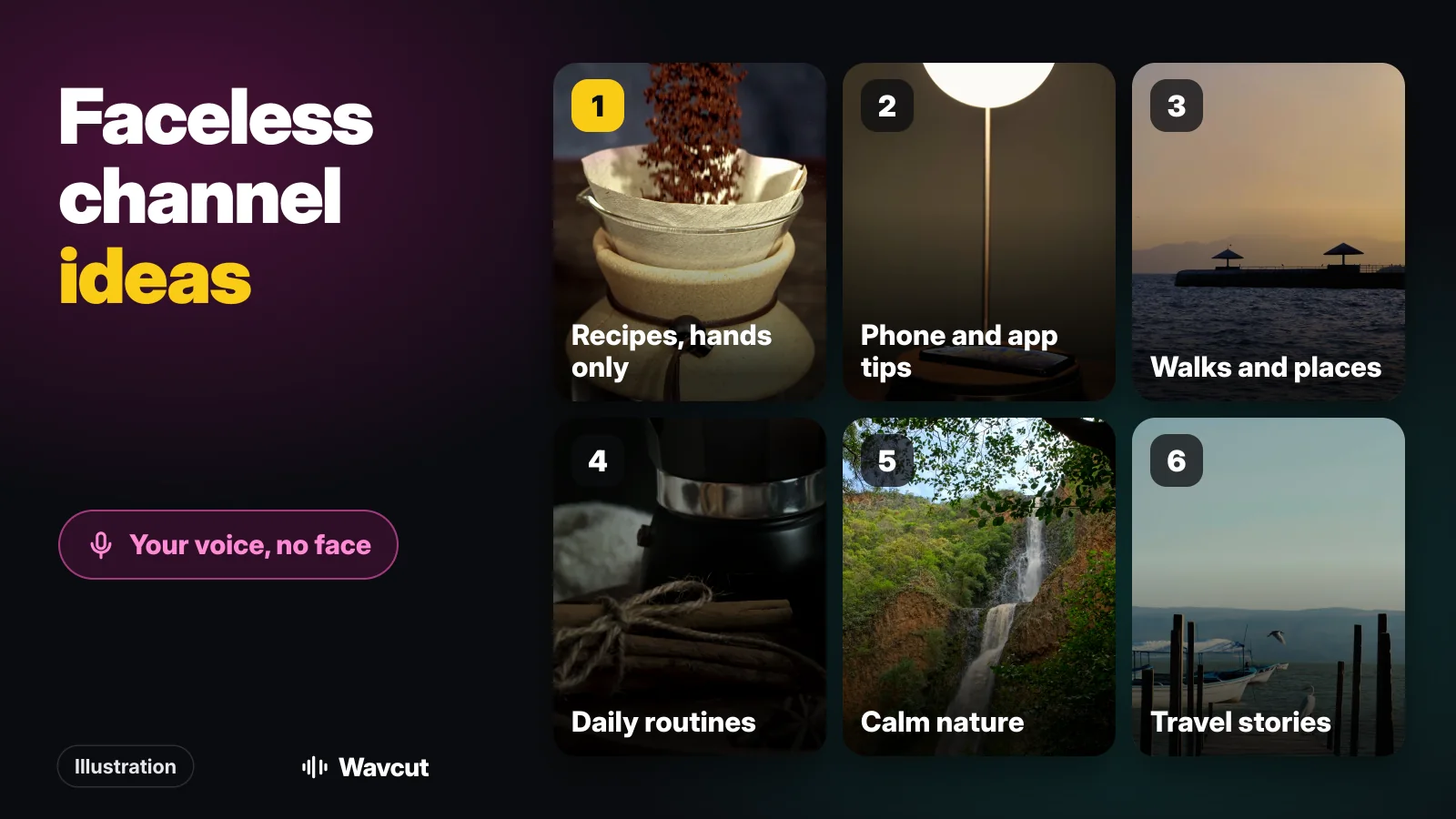
The best faceless YouTube channel ideas are formats where your voice carries the video and the pictures are things you can film yourself without being in the shot. That rules in more than people expect: hands, screens, places, pets and plants all make good footage. It also rules out a few popular shortcuts that YouTube says it does not monetize. Below are 12 ideas you can shoot on an iPhone, the policy lines to stay on the right side of, and how a voice-over becomes a finished video.
What makes a good faceless YouTube channel idea?
Three things, in this order:
- Your voice adds something. An explanation, an opinion, a story. That is what makes the video yours when your face is not in it.
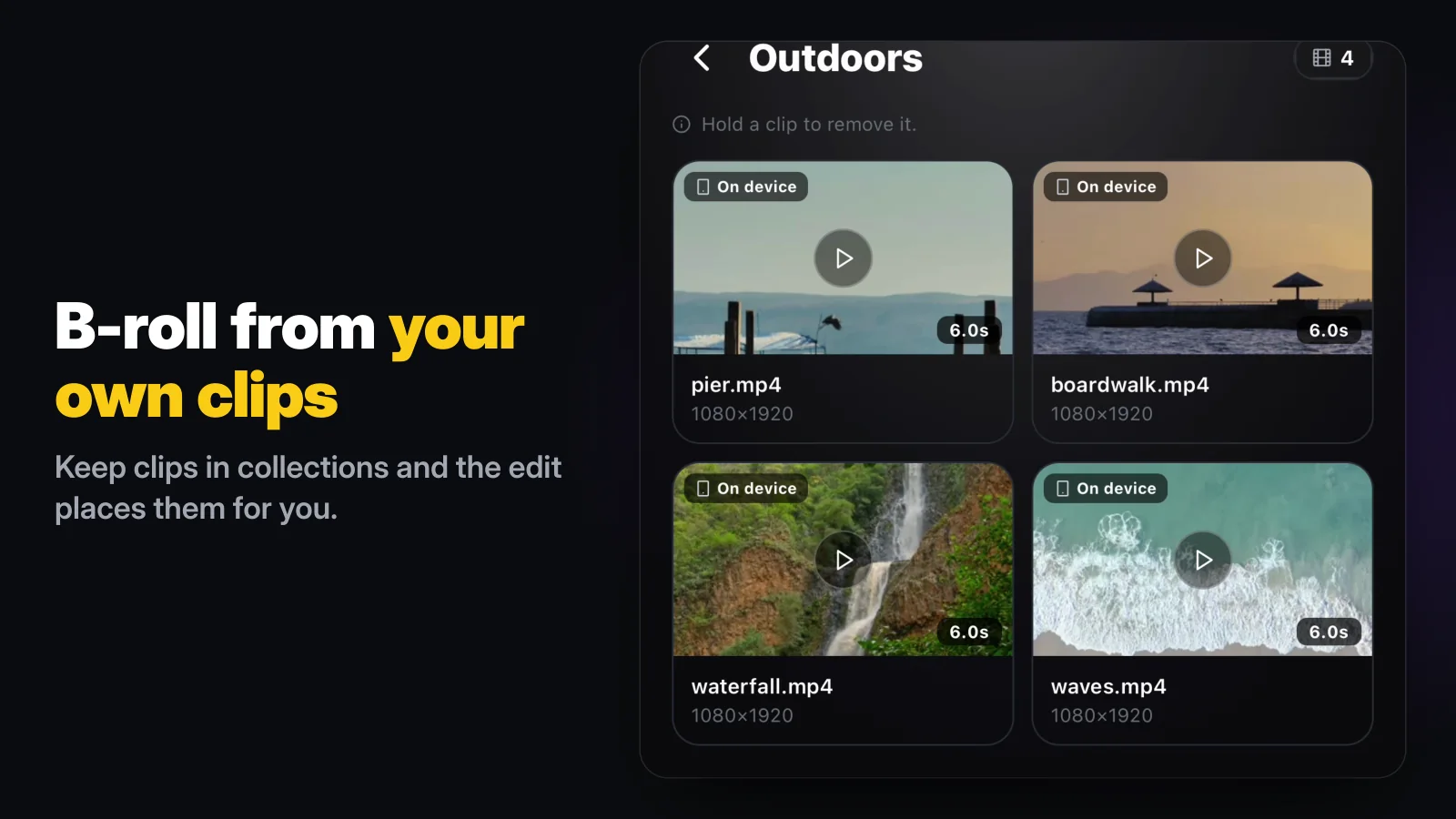
- You can film the b-roll yourself. If every video needs footage you have to find online, you are one step from reused content (more on that below). Our guide to b-roll covers what to shoot.
- It repeats as a format, not as a copy. You want a series you can make every week where each episode is about something different.
Which faceless YouTube channel ideas can you film on an iPhone?
Our list, checked against YouTube's monetization policies on November 8, 2026. Every one works with a phone, your voice and footage you shoot yourself.
| Idea | What your voice does | B-roll you can film | Watch out for |
|---|---|---|---|
| Recipes, hands only | Talk through each step and why | Overhead shots of hands, pans and ingredients | Film your own cooking, not clips from TV shows |
| Phone and app tips | Explain one setting or trick per video | Screen recordings, the phone on a desk | A different task in every video |
| Walks and places | Tell the story of the street, café or trail | Steady walking shots, signs, details | Ask before filming people up close |
| Daily routines | Narrate your morning or evening | Coffee, desk, window light, packing a bag | Vary the days, or the videos blur together |
| Calm nature | Short reflections or facts about the place | Water, trees, weather | Keep the narration; footage alone says little |
| Travel stories | What happened, what it cost, what to skip | Your own clips from the trip | No downloaded travel footage |
| Study and work methods | Explain a method you actually use | Notebook, timer, laptop screen | Show your real setup |
| DIY and crafts | Explain each step and the mistakes | Hands, tools, before and after | None special; it is all your footage |
| Plant care | What you watered, repotted and why | Leaves, soil and pots over the weeks | None special |
| Hands-only reviews | Your opinion after real use | Unboxing, close-ups, the product in use | Say so if a brand paid or sent it |
| Money explainers | Walk through one money decision | Spreadsheet screen recordings, receipts | Explain, do not promise returns |
| Pet care | Daily care and training steps | The pet, food, walks, toys | None special |
If you are unsure where to start, pick the one where you already have a camera roll full of clips. A cook has months of pan shots; someone who walks the dog has the walks. Starting from footage you already own means the first ten videos cost you a script and a recording, not a shoot.
Which faceless channel ideas does YouTube not monetize?
On July 15, 2025 YouTube renamed its "repetitious content" policy to "inauthentic content" and clarified that it covers content that is repetitive or mass-produced. Among the examples it says are not allowed to monetize:
- "Image slideshows, templated storylines, or scrolling text with minimal or no narrative, commentary, or educational value"
- "AI-generated content made with generic or unoriginal templates giving the impression of mass production without adding the creator's original, authentic insights or perspective"
A separate reused content policy covers channels that repurpose content already on YouTube or elsewhere "without adding significant original commentary, substantive modifications, or educational or entertainment value". It applies to the channel as a whole, so a few copied videos can cost monetization on all of them.
That is why some faceless formats you see recommended are risky: story readings over downloaded gameplay, compilations of other people's clips, and AI slideshows built from the same template every day. The policy also says what is fine: the "same intro and outro for your videos, but the bulk of your content is different", and a series where each video has its own storyline, focus or concept. A faceless channel built on your own footage and your own narration sits on that side.
Do you have to disclose AI on a faceless channel?
Only for realistic content that could mislead. YouTube asks creators to disclose content that makes a real person appear to say or do something they did not, alters footage of a real event or place, or generates a realistic scene that did not happen. Its list of things that do not need disclosure includes "Caption creation", using generative AI to help with an outline, script, thumbnail or title, and "Cloning one's own voice to create voice overs or dubs". Auto captions and an AI-assisted script on a narrated video of your own footage need no label.
How many subscribers does a faceless channel need to make money?
The same as any channel. A channel becomes eligible for the YouTube Partner Program with either 1,000 subscribers and 4,000 qualified watch hours in the last 12 months, or 1,000 subscribers and 10 million qualified Shorts views in the last 90 days. Watch hours from Shorts in the Shorts Feed do not count toward the 4,000 hours, so pick the path that matches what you post. Showing your face is not a requirement for either.
How do you make a faceless video on iPhone?
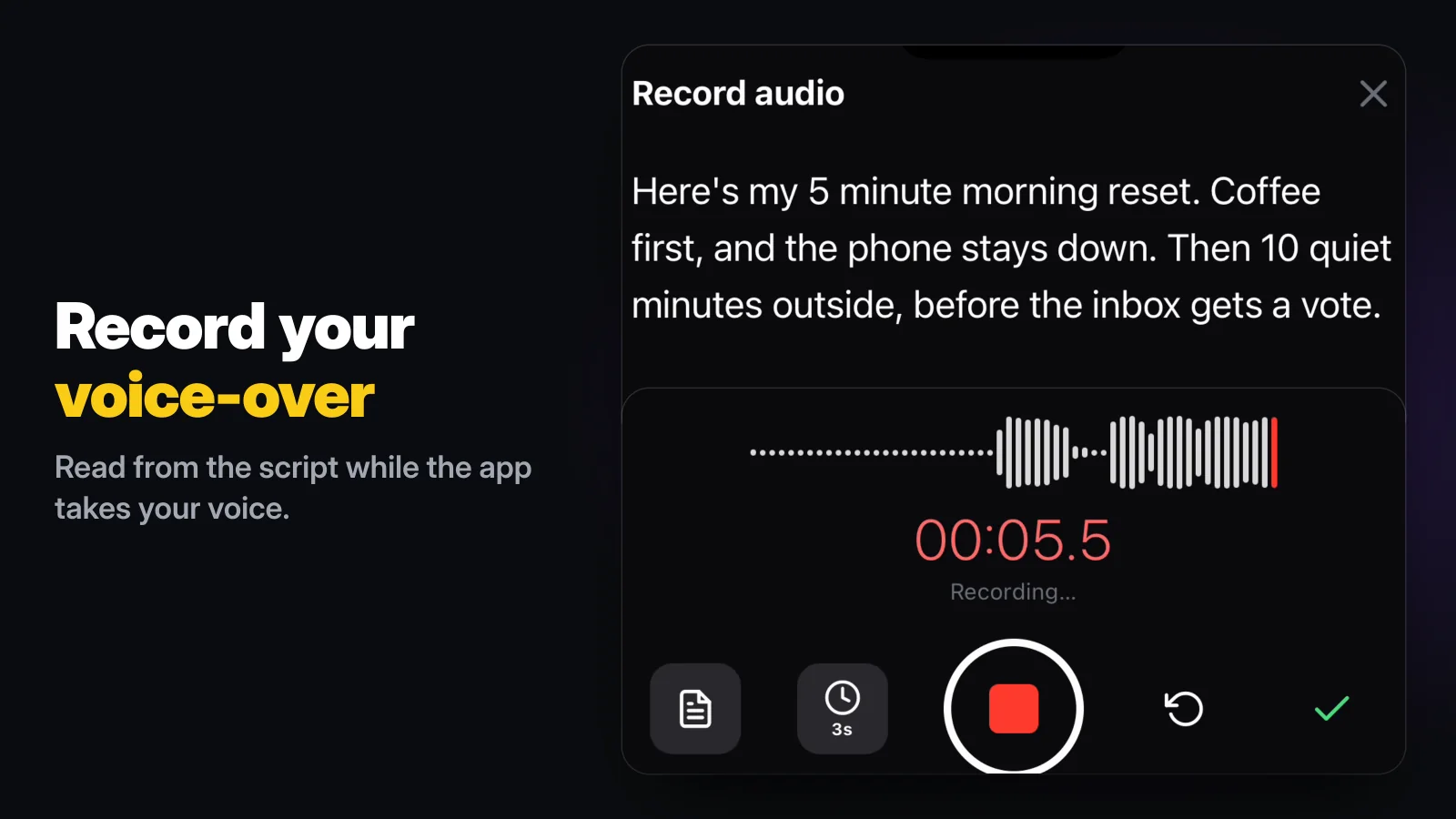
Start from the voice, not the footage. In Wavcut, tap New Video and choose Audio Only. You can type your script into the recorder and read it while you record, or pick an audio file you already have.
Wavcut then transcribes the narration, cuts the silences and fills the picture with b-roll from your collections, timed to what you say. Captions come from the same transcript. Your preset decides the look: aspect ratio, caption style and which collections to use. The presets include Widescreen as well as vertical, so the same channel can post Shorts and long videos.
A real example: for our App Store preview we recorded a 12.1-second voice-over about a morning routine, idea 4 in the table, with no camera footage at all. The auto-edit reported this:
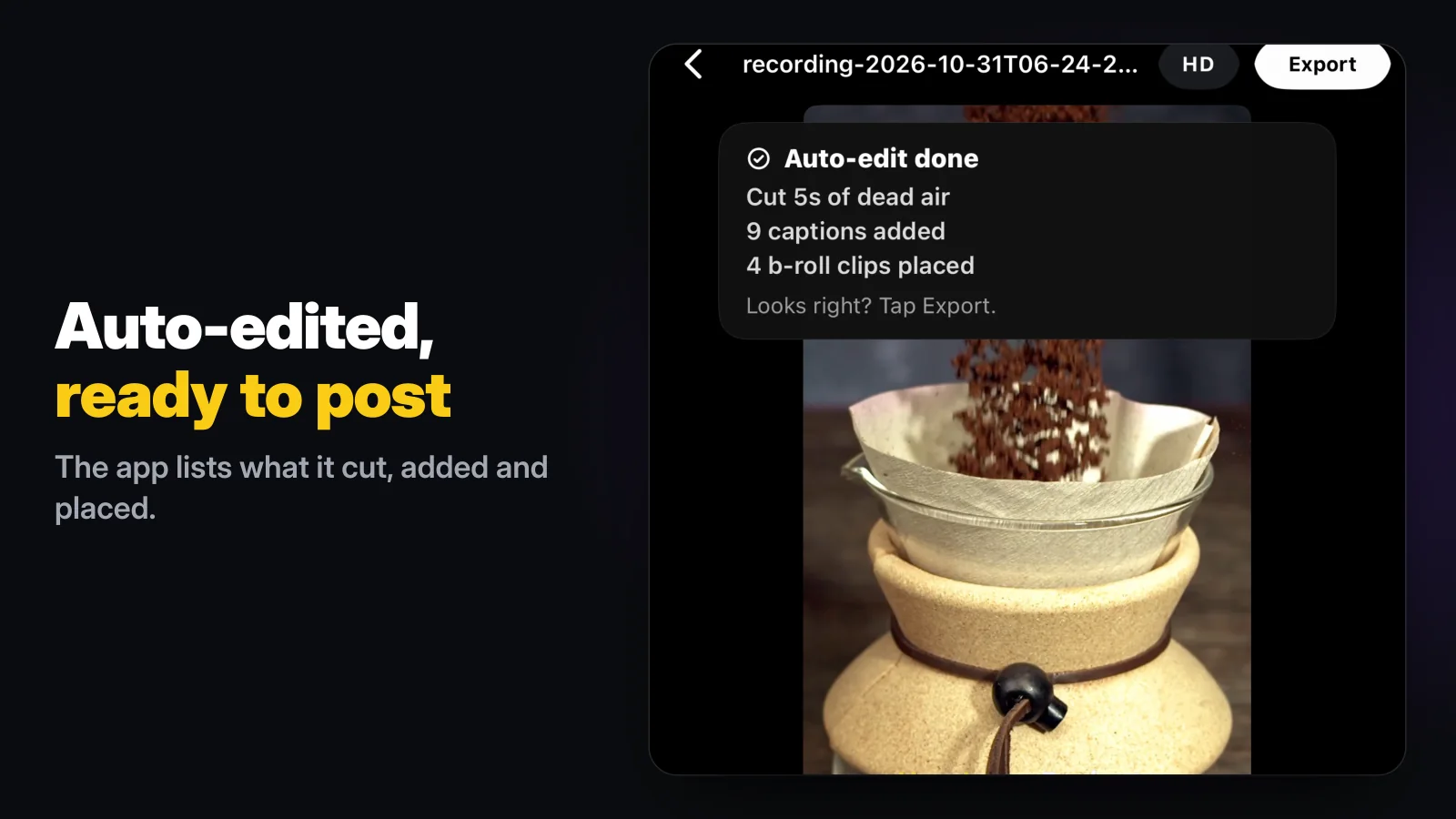
Five seconds of dead air were cut, 9 captions came from the transcript and 4 b-roll clips from our sample collections covered the whole picture. Everything landed on a normal timeline, so swapping a clip that does not fit a line takes a tap. Our voice-over guide has tips for recording the narration itself, and our guide to faceless YouTube editors compares the tools.
The limits, so you can decide before you install: Wavcut is iPhone-only for now and has no speed control. On Free, captions run on the phone for 3 videos a month, and 720p exports are clean while higher resolutions carry a watermark until you upgrade. Pro and Max add AI captions in 60+ languages (50 and 200 minutes a month). If you are weighing it against CapCut, our Wavcut vs CapCut comparison goes feature by feature.